
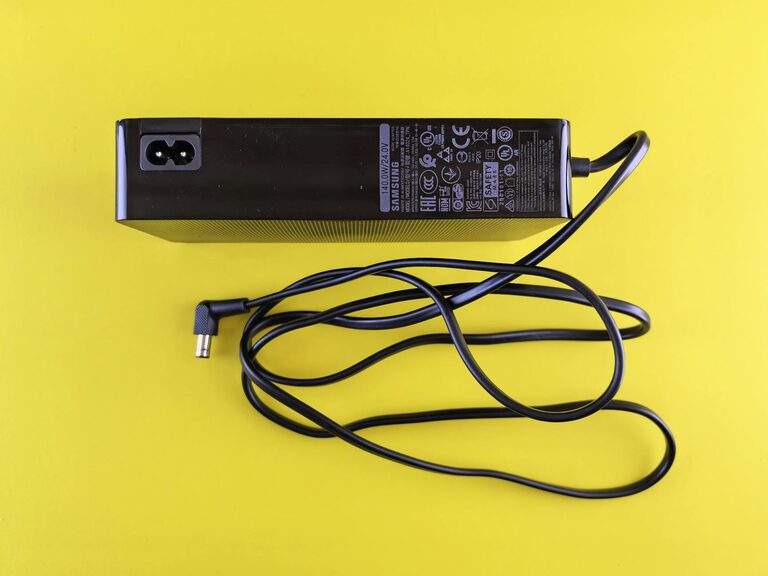
Setting up a dedicated charging station for your devices is a great way to stay organized and ensure your gadgets are ready to go when you need them. With the growing number of phones, tablets, earbuds, and other rechargeable gear in most households, a central charging spot helps reduce clutter and eliminates the hunt for chargers and cables.
In this post, we’ll walk you through everything you need to know to create an efficient and neat charging station at home or in the office.
Why Create a Charging Station?
Before diving into the setup, it’s helpful to understand the benefits of having a dedicated charging area:
– Reduces Clutter: Keeps cords and devices in one spot instead of scattered around.
– Saves Time: No more searching for chargers and outlets; everything is ready.
– Promotes Device Safety: Prevents damage from dropped devices or tangled cords.
– Enhances Organization: Makes managing multiple devices much easier.
Step 1: Choose the Right Location
Select a convenient place near power outlets with enough space to hold your devices and chargers.
– Consider the Room: Living rooms, home offices, kitchens, or bedrooms are good options.
– Look for Available Outlets: Multiple plug sockets or a power strip nearby.
– Accessible Height: A table, shelf, or small cart at a comfortable height.
Step 2: Gather Your Materials
To set up your charging station, you’ll need the following:
– Power Source: A multi-port USB charger or a power strip with surge protection.
– Charging Cables: Appropriate cables for all your devices.
– Device Holders or Stands: Optional, to keep devices upright and organized.
– Storage Containers or Bins: For loose cables and smaller accessories.
– Labels: Optional, to keep cables and chargers identified.
Step 3: Pick the Best Charger Setup
Charging many devices simultaneously requires efficient charging hardware.
USB Multi-Port Chargers
– Convenient for charging multiple devices with one unit.
– Often include fast-charging capabilities.
– Look for chargers with enough ports for all your gadgets.
Power Strips with USB Ports
– Combine traditional plug sockets with USB charging.
– Useful if you have devices that need wall chargers as well as USB.
Wireless Chargers
– Great for phones compatible with Qi wireless charging.
– Keep in mind, they may charge slower than wired options.
– Consider adding a wireless charging pad alongside wired chargers.
Step 4: Organize Your Cables
Cables can get tangled quickly, leading to frustration.
– Use Cable Ties or Velcro Straps: Keep cables bundled and neat.
– Cable Organizers: Use clips or holders attached to the desk or wall.
– Label Each Cable: Prevent confusion about which cable belongs to which device.
– Shorten Long Cables: Coil excess cable length to avoid tangles.
Step 5: Arrange Devices and Accessories
Arrange your devices so they are safe and easy to access.
– Use Device Stands: Keep phones and tablets upright to save space and prevent damage.
– Provide Ventilation: Avoid stacking devices tightly; chargers can generate heat.
– Create Sections for Each Family Member or Device Type: Helps keep everything orderly.
Step 6: Maintain Your Charging Station
Regular upkeep will keep your station efficient.
– Clean Regularly: Dust can accumulate and affect charging.
– Check Cables and Chargers: Replace any that are frayed or damaged.
– Rearrange as Needed: As you add or retire devices, update the setup.
Bonus Tips for a Better Charging Station
– Add a Small Light: Useful if the station is in a dim spot.
– Keep a Notebook Nearby: Jot down any charging issues or notes.
– Use Smart Plugs: Schedule when the charging station gets power to save energy.
– Decorate: Make the space inviting with plants or artwork.
Conclusion
A well-organized charging station simplifies your daily routine and keeps all your essential devices powered up. With a bit of planning and the right tools, you can create a clutter-free space that fits your home or office perfectly. Give it a try, and enjoy the convenience of having all your gadgets ready to use whenever you need them!