
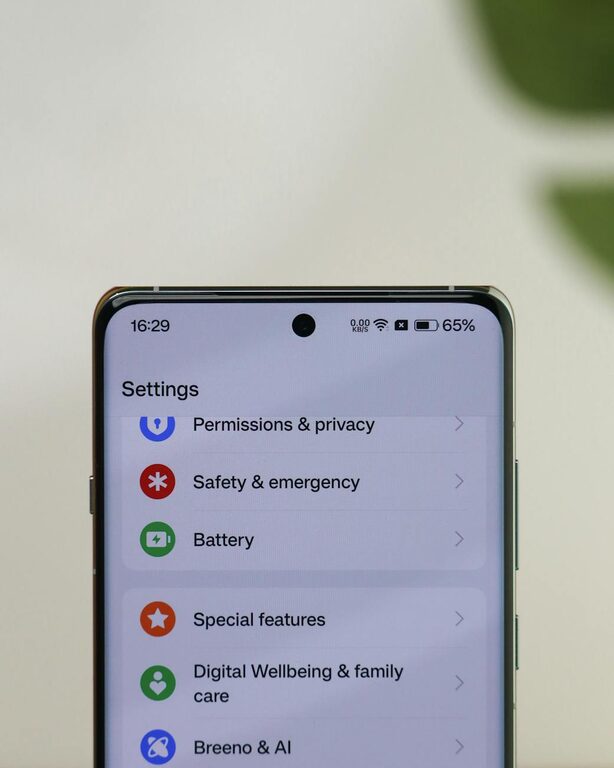
In today’s connected world, notifications are everywhere—from emails and social media to messages and app alerts. While they help us stay informed, constant notifications can also be distracting and stressful. Setting boundaries with notifications is essential for maintaining focus, reducing anxiety, and achieving a healthier balance between your digital and real-life priorities.
In this post, we’ll explore practical tips for setting boundaries with notifications so you can work, relax, and connect on your terms.
Why Set Boundaries with Notifications?
Notifications are designed to get your attention. But when alerts keep popping up throughout the day, they can:
– Break your concentration and reduce productivity
– Increase feelings of stress and overwhelm
– Make it harder to focus on important tasks or quality time
– Disrupt your sleep and relaxation when they appear at night
By setting thoughtful boundaries, you take back control over your time and attention.
Tips for Managing Notifications Effectively
1. Audit Your Notifications
Start by reviewing which apps and services send you notifications. Ask yourself:
– Which notifications are truly important?
– Which ones can wait or be checked manually?
– Are there alerts that could be turned off completely?
Many people find they only need urgent messages or calendar reminders, while social media or promotional updates can be silenced.
2. Use “Do Not Disturb” Modes
Most devices offer “Do Not Disturb” options that temporarily mute notifications. Consider:
– Scheduling Do Not Disturb during focused work sessions
– Activating it during family time or relaxation hours
– Setting it at night to prevent sleep disruptions
These tools help you have uninterrupted time without permanently disabling alerts.
3. Customize Notification Settings by App
Don’t just accept default notification settings. Dive into each app’s preferences and adjust:
– Types of notifications you want to receive (e.g., direct messages but not comments)
– How alerts appear (sound, vibration, banners)
– Grouping notifications to reduce clutter
Customizing notifications helps you receive only what matters without constant interruptions.
4. Limit Notifications on Your Lock Screen
Lock screen notifications are often the most distracting, given how frequently we check our phones. To reduce distractions:
– Hide sensitive or non-urgent notifications on the lock screen
– Show only critical alerts or none at all
– Use widgets or notification centers to check non-urgent updates intentionally
This reduces the temptation to check your phone every time an alert pops up.
5. Set Specific Times to Check Notifications
Instead of responding immediately, try batching your notification checking:
– Allocate fixed times during the day to review emails and messages
– Avoid checking notifications outside these periods, especially first thing in the morning or during meals
– Use timers or reminders to help reinforce this habit
Batch processing minimizes distractions and helps maintain focus on current tasks.
6. Turn Off Notifications for Social Media and Promotions
Social media platforms are designed to keep you engaged by sending frequent alerts. Limiting these can help you reclaim time:
– Disable non-essential notifications like likes, follows, or event invites
– Consider uninstalling apps or using website versions that don’t push notifications
– Unsubscribe from marketing emails that clutter your inbox
Reducing social media alerts can lower stress and improve your overall wellbeing.
7. Use Technology to Your Advantage
Leverage technology features designed to help control notifications:
– Notification summaries that group non-urgent alerts
– Priority notifications that only alert you to messages from close contacts
– Focus modes on smartphones that restrict apps during certain activities
These features make managing your notifications easier and more automated.
8. Communicate Your Boundaries
If you want others to respect your notification preferences, communicate clearly:
– Let coworkers or friends know your “quiet hours” or preferred method for urgent communication
– Use status messages or email auto-replies when unavailable
– Encourage others to respect time boundaries for both work and personal life
Clear communication supports your digital boundaries and reduces pressure to respond immediately.
Final Thoughts
Setting boundaries with notifications is an important step toward a healthier digital lifestyle. By auditing your alerts, customizing settings, using do-not-disturb tools, and communicating your needs, you can reduce distractions, lower stress, and boost productivity.
Remember, you control your devices—not the other way around. Take small steps today to create notification habits that work for you and make your digital experience more mindful and balanced.
—
Feel free to revisit your notification settings regularly as your priorities and routines change. A mindful approach helps ensure you stay connected on your own terms without sacrificing peace and focus.